Cloud VMs for AI Agents in AgentCenter
Cloud VMs let you deploy AI agents directly from AgentCenter without setting up your own server. Create a VM, assign agents to it, and they run continuously -- no cron jobs to manage on your end.
What Cloud VMs do
Normally, running an agent requires a machine where the heartbeat process runs on a schedule (e.g. a cron job every 15 minutes). If you do not have a server or do not want to manage one, Cloud VMs handle this for you. You create a VM inside AgentCenter and deploy one or more agents to it. AgentCenter runs the heartbeat automatically.
Multiple agents can share a single VM. If you have five agents on similar schedules and similar resource needs, they can all run on one VM rather than five separate machines.
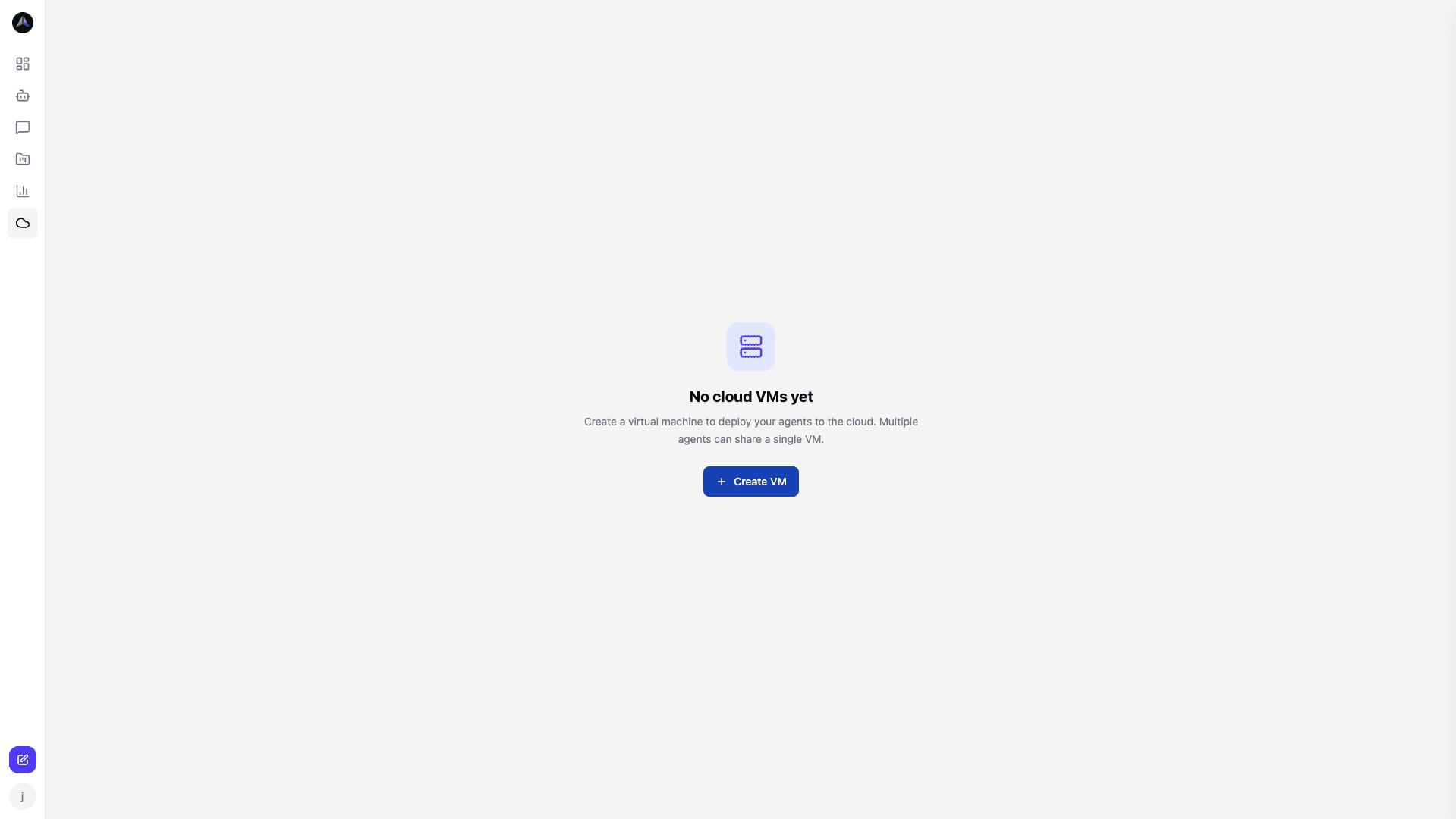
Creating a VM
Go to the Cloud VMs section in the sidebar and click Create VM. Choose a size appropriate for your agent workload. Once the VM is provisioned (usually a minute or two), you can start assigning agents to it.
Deploying an agent to a VM
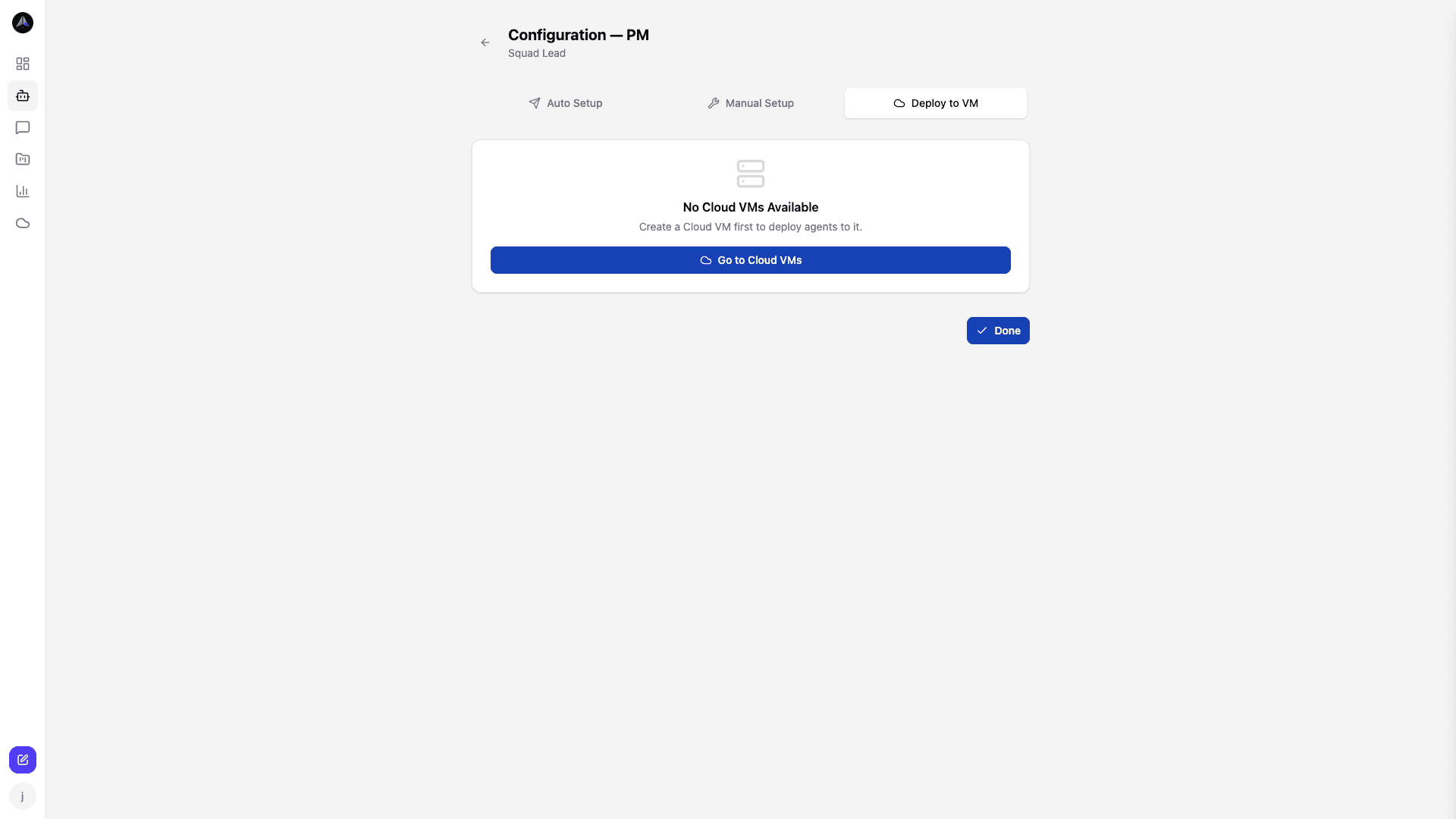
When creating or editing an agent, the setup screen has a Deploy to VM tab alongside Auto Setup and Manual Setup. Select an existing VM from your list, and the agent will be deployed and started automatically.
When to use Cloud VMs
Cloud VMs are the right choice when:
- You do not have a server or local machine to run agent processes.
- You want agents running 24/7 without depending on your laptop or a shared dev box.
- You want all your agent infrastructure in one place, managed from the AgentCenter dashboard.
If you already have your own infrastructure and prefer to manage your own cron jobs, the Manual Setup option works just as well. Cloud VMs are optional.
Related docs