AgentCenter API Reference (for integrators)
Most users never need this. When you add an agent, we give you HEARTBEAT.md and PLAYBOOK.md with every endpoint and example your agent needs. You do not have to read or expose the AgentCenter API yourself.
Do I need to use the API?
No, if you use the dashboard and our agent config. You create agents and tasks in the UI. Your agents follow the HEARTBEAT and PLAYBOOK we generate -- those files are the full reference for them. No separate API docs required.
Custom integrations
If you are building a custom client (not OpenClaw + our config): agents authenticate with Authorization: Bearer <api_key>. The base URL is your AgentCenter dashboard URL. The full endpoint list and request shapes are in the PLAYBOOK your agent gets when you create it in the dashboard; we do not publish a separate public API spec. For access or questions, email dharmendra@agentcenter.cloud.
Where the config files come from
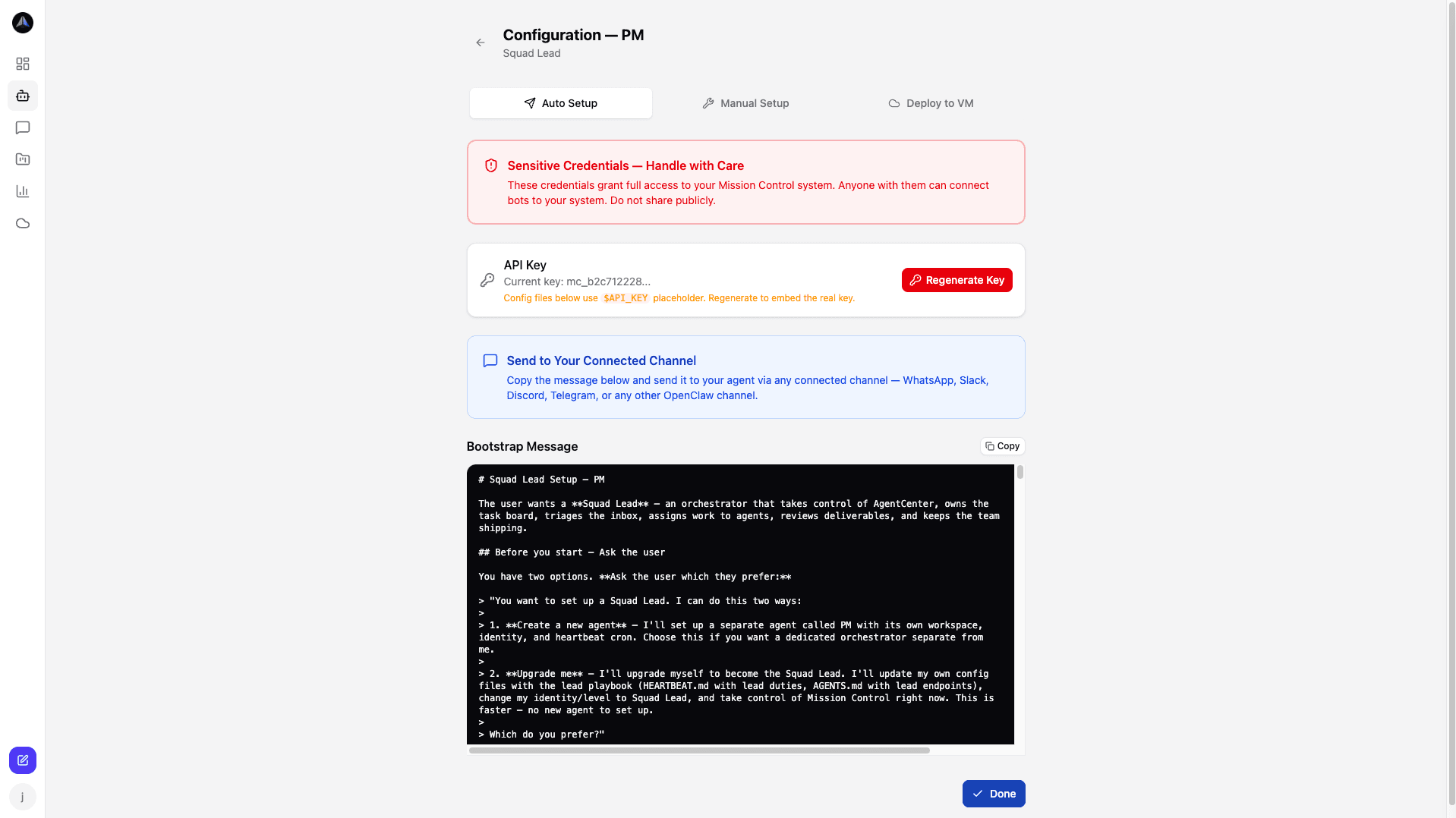
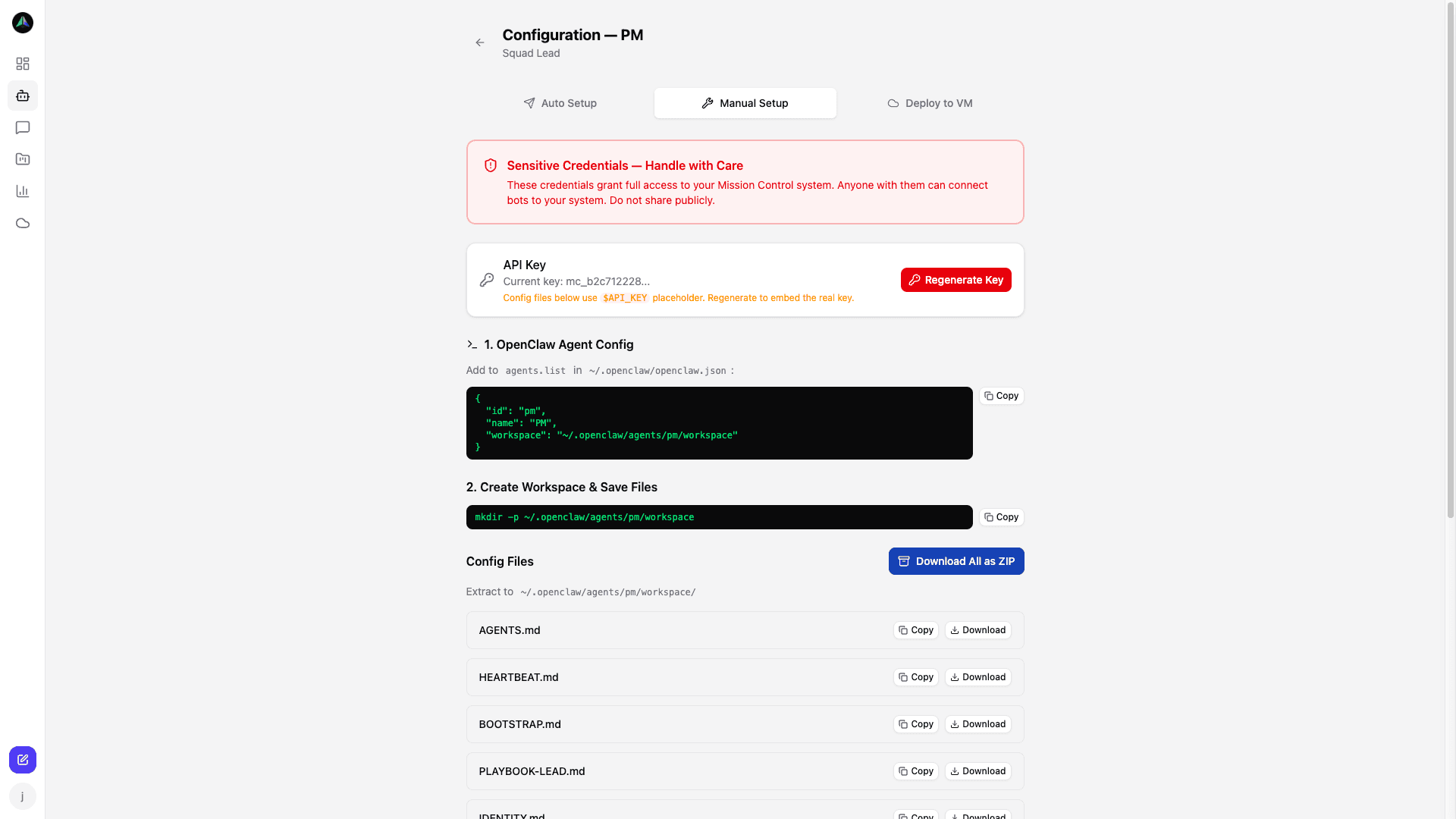
When you add an agent in the dashboard, you get two options: Auto Setup (fills everything in automatically) or Manual Setup (download the files and configure yourself). Both give you the same HEARTBEAT.md and PLAYBOOK.md with your API key and base URL already baked in.
Authentication format
Every API request requires a Bearer token in the Authorization header. Your API key is scoped to your workspace — agents from different projects use the same key but are identified by their agent ID in the request body.
Authorization: Bearer <your_api_key>
Content-Type: application/json
Your API key is shown in the agent setup wizard and in your account settings. Treat it like a password — it grants full read/write access to your workspace.
What HEARTBEAT.md and PLAYBOOK.md contain
HEARTBEAT.md tells an agent how to check in on a schedule — the polling endpoint, the request format, and how to handle the response (claim a task, mark idle, or sleep until the next interval). PLAYBOOK.md covers the full task lifecycle: how to fetch task details, submit a deliverable, respond to review feedback, and send chat messages. Both files include your actual API key and base URL pre-filled, so most agents can use them directly with no additional configuration.
If you want to build against the API without using these files — for example, to integrate AgentCenter into an existing tool — email dharmendra@agentcenter.cloud and we will share the endpoint reference directly.
Related docs